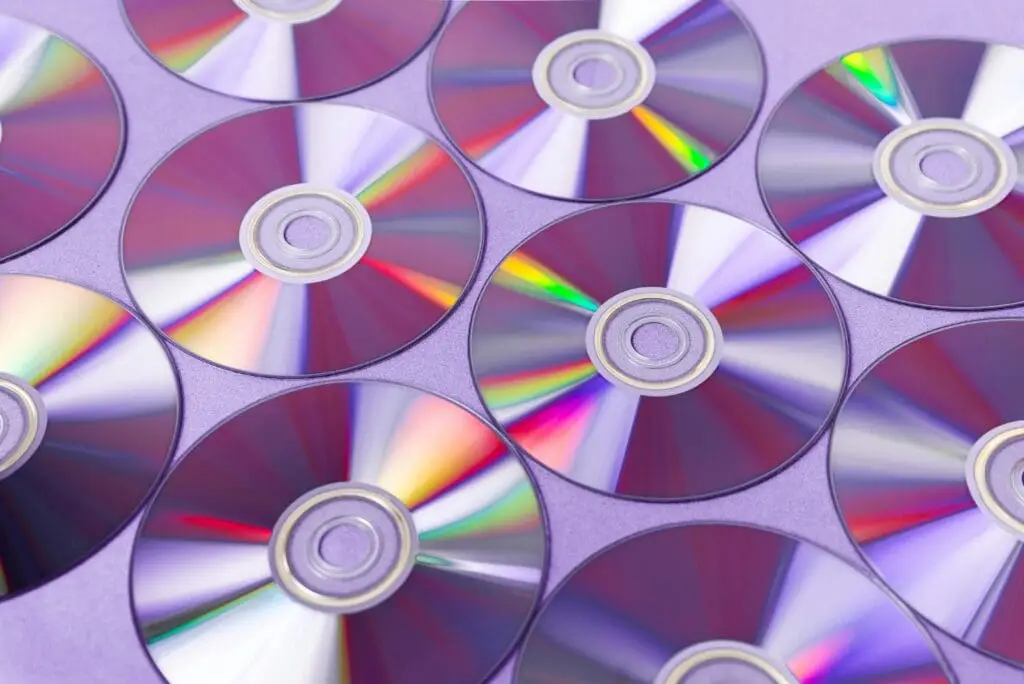
In the digital age, understanding the difference between various storage media is essential. CDs (Compact Discs) and DVDs (Digital Versatile Discs) have been popular choices for storing data, music, and videos. While they may look similar, they have distinct differences that affect their usage and performance. This guide will delve into the key differences between CDs and DVDs, helping you choose the right medium for your needs.
1. Storage Capacity
One of the most significant differences between CDs and DVDs is their storage capacity:
- CDs: Typically, a standard CD can store up to 700 MB of data, which is roughly equivalent to 80 minutes of audio.
- DVDs: A standard single-layer DVD can hold 4.7 GB of data, and a dual-layer DVD can hold up to 8.5 GB. This substantial increase in capacity makes DVDs more suitable for storing large files such as videos.
2. Usage and Applications
The intended use of CDs and DVDs also varies:
- CDs: CDs are primarily used for audio recordings and smaller data files. They are popular for music albums, software distribution, and small-scale data storage.
- DVDs: DVDs are designed to handle larger files and are commonly used for video recordings, including movies and TV shows. They are also used for software distribution that requires more storage space than a CD can provide.
3. Physical Structure and Data Encoding
The way data is encoded and the physical structure of CDs and DVDs differ significantly:
- CDs: CDs use a laser to read and write data through pits and lands on the disc’s surface. The data is stored in a single layer.
- DVDs: DVDs use a similar technology but with a higher density of pits and lands, allowing for more data to be stored. Additionally, DVDs can have multiple layers, increasing their storage capacity.
4. Laser Technology
The type of laser used to read and write data on CDs and DVDs is different:
- CDs: Use a red laser with a wavelength of 780 nm.
- DVDs: Use a red laser with a shorter wavelength of 650 nm. The shorter wavelength allows for more precise data reading and writing, contributing to the higher storage capacity of DVDs.
5. Compatibility and Formats
Compatibility between CDs and DVDs can vary depending on the player and the format:
- CDs: CD players cannot read DVDs, but most DVD players can read CDs. This backward compatibility makes DVDs more versatile.
- DVDs: There are different formats of DVDs, such as DVD-R, DVD+R, DVD-RW, and DVD+RW, each with specific compatibility requirements. It’s essential to ensure your DVD player or drive supports the format you choose.
6. Cost and Availability
The cost and availability of CDs and DVDs can influence your choice:
- CDs: Generally cheaper than DVDs due to lower storage capacity and older technology. CDs are widely available and cost-effective for smaller storage needs.
- DVDs: Slightly more expensive but offer much greater storage capacity. DVDs are also widely available and are a cost-effective solution for larger data storage requirements.
Conclusion
While CDs and DVDs may appear similar, their differences in storage capacity, usage, data encoding, laser technology, compatibility, and cost make each suitable for different purposes. CDs are ideal for audio recordings and smaller data files, whereas DVDs are better suited for video recordings and larger data storage needs. Understanding these differences will help you choose the appropriate medium for your specific requirements.
By grasping the distinctions between CDs and DVDs, you can make more informed decisions about your data storage solutions, ensuring you utilize the right technology for your needs.