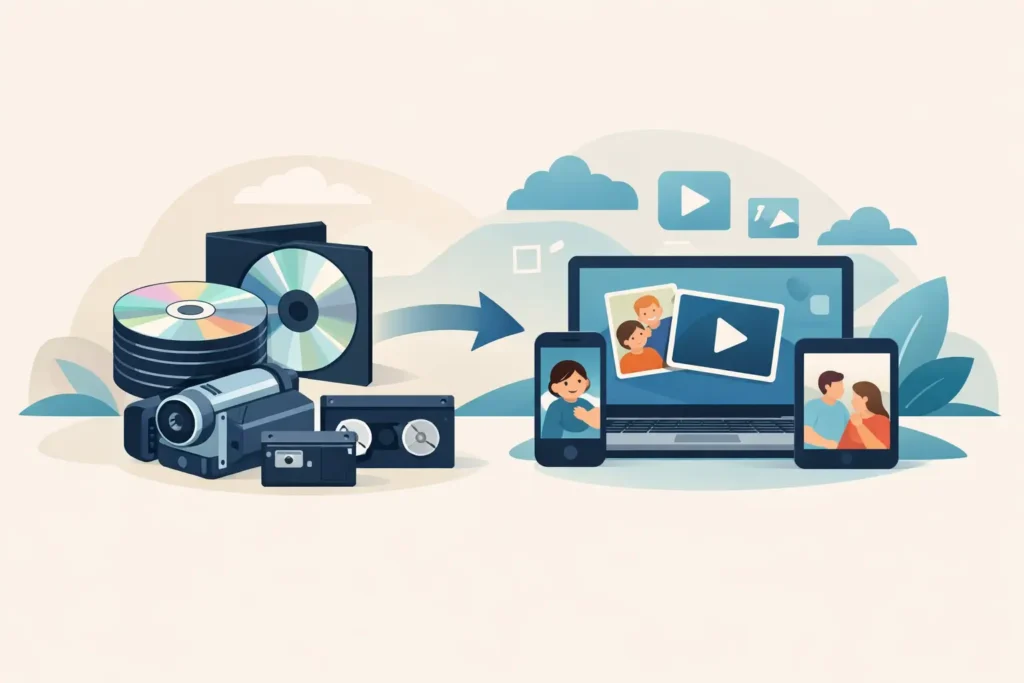
That family DVD labelled “Christmas 2004” may look safely modern beside a box of VHS tapes, but discs do not last forever. Scratches, heat, damp, faulty layers and ageing DVD players can all make treasured footage difficult – or impossible – to watch. A professional DVD digitisation service gives those priceless moments a new lease of life by transferring them into files and formats that suit the way your family watches and shares video now.
For many households, the real value is not in the disc itself. It is in hearing a loved one’s voice, seeing children at a school concert, revisiting a wedding day or passing a grandparent’s home movies on to the next generation. These recordings deserve careful handling, clear choices and a service that treats them as private family memories, not just another batch of media.
DVD digitisation is the process of copying or converting the video and data held on a DVD into a current, accessible format. Depending on the condition of the disc and the output you choose, this may mean a digital video file such as MP4, MOV or AVI, a USB drive, a replacement DVD, or more than one copy for relatives.
A proper transfer is useful because DVDs are tied to physical hardware. Even if your disc still plays today, many newer laptops and televisions no longer include a DVD drive. A digital file can be watched on a computer, smart TV, tablet or mobile phone, and it is much easier to copy for family members or keep alongside other important files.
It is worth being clear about what digitisation can and cannot do. The process preserves what is available on the original disc; it cannot recreate footage that was never recorded or fully repair severe corruption. However, a careful service can assess discs that skip, freeze or fail to load, and may be able to recover material that ordinary home equipment struggles to read. Results depend on the damage and on how the DVD was originally created.
A DVD has no tape to stretch, but that does not make it permanent. Recordable DVDs in particular can deteriorate over time. The dye layer used to store information may become less reliable, while scratches, fingerprints and tiny cracks can affect playback. Discs stored in hot lofts, cold garages, damp cupboards or direct sunlight face an even greater risk.
The challenge is often discovered at the worst possible moment: when preparing a birthday slideshow, sorting a loved one’s belongings or looking for footage to share with children. A disc that played perfectly a few years ago may suddenly show an error message, stop halfway through, or make a drive work noisily without opening the file.
There is also the question of equipment. DVD players and computer drives are becoming less common, and not every drive reads every type of recordable disc equally well. Leaving preservation until the only available player has stopped working can make the job more complicated than it needs to be.
The best output depends on how you want to use your recordings. For most families, an MP4 file is the most practical choice. It is widely compatible, straightforward to copy and easy to play on modern devices. A USB drive is a convenient home for those files, especially if you want to plug it into a television or give copies to close relatives.
A replacement DVD still has its place too. Some people prefer the familiarity of a disc, particularly for a family member who already uses a DVD player. Having a DVD copy alongside a digital file can be sensible, provided the file is also backed up elsewhere. The important thing is not to move from one single disc to another single disc and assume the memories are protected forever.
If your DVD contains several chapters, clips or a menu, ask how these will be handled before placing an order. A video file may be supplied as one complete recording or as separate files, depending on the original disc and the service requested. There is no single right answer: one complete file can be simplest for a family film, while separate clips may be handier for a collection of shorter events.
Before you send anything away, take a few minutes to identify each disc. Write a simple list of the labels and any dates or notes you know. If several DVDs look alike, number the cases or add a removable note so that the recordings can be returned in the same order. Avoid writing on the shiny underside of a disc or attaching sticky labels directly to it.
If a disc plays, do not repeatedly test it just because you are worried about it. One careful check to confirm what is on it is enough. If it is already skipping, freezing or showing read errors, mention this when arranging your transfer. That information helps set realistic expectations and lets the technician give the disc suitable attention.
For postal orders, place each DVD in its case or a protective sleeve, then use firm packaging that prevents movement. Include your contact details and a clear note of the output you would like. Sending original family footage can feel daunting, so use a tracked postal service and keep proof of posting until your items are safely returned.
Commercial films, shop-bought television box sets and other copy-protected discs are different from home-recorded DVDs. A family preservation service is intended for your own personal recordings and data. If you are unsure whether a disc is suitable, it is better to ask before sending it than to make assumptions.
Personal recordings often contain more than a special occasion. They may show family homes that no longer exist, relatives who are no longer with us, or children growing up year by year. That is why confidentiality and careful handling should sit at the centre of any DVD digitisation service.
At VHS To DVD Ltd, original media is handled in-house by a small team rather than being passed through an anonymous bulk-processing chain. Customers can arrange a local drop-off in Llanelli, send their discs by post, or discuss an order online, by email or WhatsApp. The aim is to make the process straightforward while giving you access to real people if you have questions about your footage.
Turnaround also matters when you are preparing a gift, a memorial gathering or a family celebration. A stated target of seven working days provides a useful expectation, though heavily damaged discs or more complex recovery work can take longer. Once transferred, stored footage is retained for 30 days, giving customers a reasonable window to check their files and request any further copies they need.
If replacement DVDs are part of your order, ask about protection for faulty discs. A clear replacement policy offers reassurance that the finished copy is not simply posted out and forgotten about. It is a small practical detail, but it reflects the care that family archives require.
Digitising a DVD is an excellent first step, but preservation works best when the new file is stored in more than one place. Keep the USB somewhere safe at home, then make a second copy on another drive or in a trusted online storage account. If you have several relatives who would value the footage, sharing copies also reduces the risk of one accidental loss becoming permanent.
Give files useful names while the details are fresh. “Mum and Dad’s wedding, June 1998” is far more helpful than “VIDEO_001”. Add dates, locations and names where you can. A few minutes of organisation now can save your family hours of guesswork in years to come.
Do not wait for a DVD to fail before deciding what to save. Gather the discs that matter most, label them clearly and choose an output your household will actually use. The best time to protect a treasured recording is while it can still be read, watched and shared with the people who will cherish it.